
63 in game, 6 servers
FUN
Fun modes and unusual rules: something new every round.
RANDOM MODELS
In game: 18
RANDOM SKILLS
In game: 45FUN CS2 servers: Random Skills and Random Models · Questions and answers
FUN is the mode you play for fun: unusual rules and something new every round. On CSMIX it has two sections with their own servers - Random Skills and Random Models.
Each server holds up to 30 players. The servers are in Lithuania, in an EU data centre, so ping is low across Europe.
Random Skills
At the start of every round a roulette gives each player a random skill out of 67: invisibility, flight, teleport, one shot and dozens of others. Active skills are triggered with the E key, the rest work by themselves.
You cannot pick the skill yourself, but the same one will not repeat until you have had them all. After death or at the end of the round the skill is removed, and the next round brings a new one. The full list with descriptions is on the Random Skills page.
Random Models
On every spawn you turn into a random character out of 61: memes, cartoon and game characters. The rules are the usual ones - two teams and the bomb - only the way you and your opponents look changes.
If you like a model, type !models in the chat and choose any model from the menu, or switch back to random. There is nothing to download by hand: models load automatically through the Steam Workshop when you connect.
Maps and servers
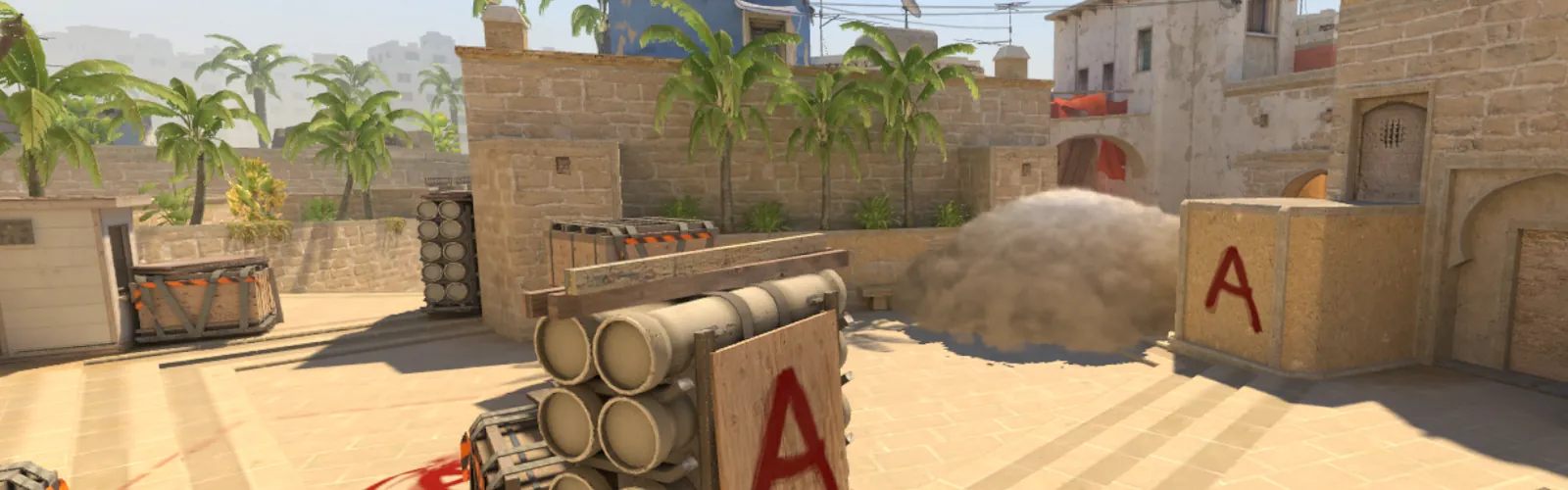
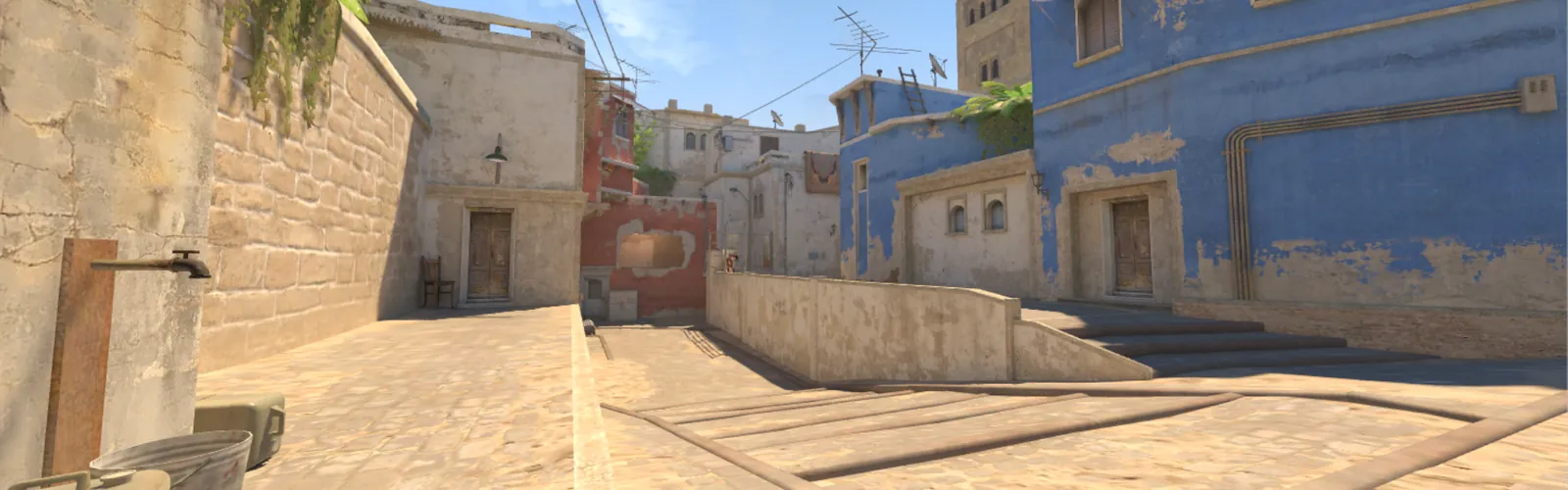
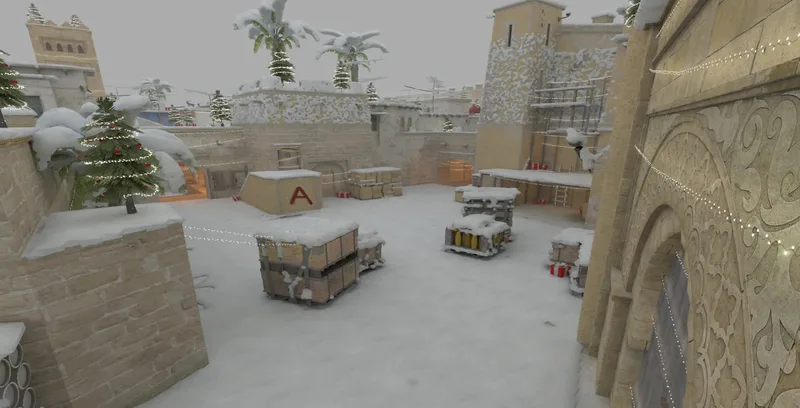
Right now FUN has 6 servers on these maps: de_mirage, de_mirage_christmas. The table shows the current map, the address and the number of slots of every server - the data comes straight from the servers. In the list at the top of the page you can switch between Random Skills and Random Models.
| Server | Map | IP address | Slots |
|---|---|---|---|
| RANDOM SKILLS #1 | de_mirage | 91.103.255.104:27215 | 30 |
| RANDOM MODELS #1 | de_mirage | 91.103.255.104:27315 | 30 |
| RANDOM MODELS #2 | de_mirage_christmas | 91.103.255.186:27815 | 30 |
| RANDOM SKILLS #2 | de_mirage | 91.103.255.117:27615 | 30 |
| RANDOM SKILLS #3 | de_mirage | 91.103.255.186:27915 | 30 |
| RANDOM SKILLS #4 | de_mirage_christmas | 91.103.255.117:28115 | 30 |
Skins and levels
Skins from the skin changer and XP work on FUN servers too: your knife, gloves and weapon skins stay with you, and kills, assists and round wins count towards your level. On Random Models servers the random model is shown instead of a CS2 agent.
How to connect
The fastest way is the Play button on a server card or Quick play at the top of the page: Steam starts CS2 and connects you to the server by itself.
You can also connect manually. Copy the server address with the button next to it, open the CS2 console (the ~ key) and type connect followed by the address. Every server also has its own page with the address and the connect command.
Signing in on the site is not required to join a server. Sign in with Steam if you want a profile with stats, the skin changer and collections.
Rules
The project rules apply on every server. Cheats, insults and hindering your own team are punished. If you see a violation, send the !report command in the game. Your own punishments are shown in your profile on the site, and you can appeal them through a support ticket.
Questions and answers
What is FUN mode in CS2?
Servers with unusual rules. On CSMIX these are Random Skills, where every round gives you a random skill, and Random Models, where every spawn gives you a random character model.
What is the difference between Random Skills and Random Models?
Random Skills changes how you play: each round you get one of 67 skills. Random Models changes how players look: on each spawn you get one of 61 models, and the rules stay the usual ones.
Do I need to download anything?
No. Models load automatically through the Steam Workshop when you connect to a server.
Do skins work on FUN servers?
Yes. Skins, knives and gloves from the CSMIX skin changer work on FUN servers, for free.
How do I connect to a FUN server?
Press Play on a server card, or copy the address and type connect and the address in the CS2 console.